### **PDF to PowerPoint by Flyingbee – Công cụ chuyển đổi PDF sang PowerPoint dành cho người dùng cá nhân** 🚀
✨ **Giới thiệu Phần mềm:**
PDF to PowerPoint by Flyingbee là một công cụ chuyển đổi mạnh mẽ và hiệu quả, được thiết kế đặc biệt cho người dùng macOS. 💻 Phần mềm này giúp bạn dễ dàng biến các tệp PDF cứng nhắc thành các bài thuyết trình PowerPoint 📊 có thể chỉnh sửa, bảo toàn nguyên vẹn văn bản, hình ảnh, bố cục, siêu liên kết và bảng biểu gốc. 🖼️ Với giao diện thân thiện và quy trình làm việc đơn giản, Flyingbee là lựa chọn lý tưởng cho sinh viên 🎓, nhân viên văn phòng 💼, và bất kỳ ai cần chỉnh sửa hoặc tái sử dụng nội dung PDF một cách nhanh chóng. ⚡
✅ **Yêu cầu Hệ thống:**
Để cài đặt và sử dụng mượt mà, PDF to PowerPoint by Flyingbee yêu cầu **macOS 10.13 trở lên**. ⬆️ Cấu hình tối thiểu để cài đặt phần mềm bao gồm dung lượng trống khoảng 25.5 MB trên ổ cứng. 💾 Đảm bảo máy Mac của bạn đáp ứng các yêu cầu này để có trải nghiệm chuyển đổi tốt nhất! 👍
PDF to PowerPoint giúp bạn chuyển file PDF sang Powerpoint một cách nhanh chóng để có thể chỉnh sửa và trình chiếu.
Chi tiết tính năng
Main Features:
- Incredibly easy-to-use. + Professional PDF Converter.
- Import multiple PDF files at one time.
- Convert PDF files to PowerPoint documents directly.
- Conversion 100% processed locally.
- Export PDF to PowerPoint (.pptx) files.
- Superior accuracy and format retention.
- Professional PDF to Powerpoint Converter
Convert PDF files to fully-formatted PowerPoint directly.
- Import multiple PDFs at one time.
- Conversion 100% process locally.
- Superior accuracy and format retention.
- Bath Convert PDFs by one button.
Incredibly Easy to Use
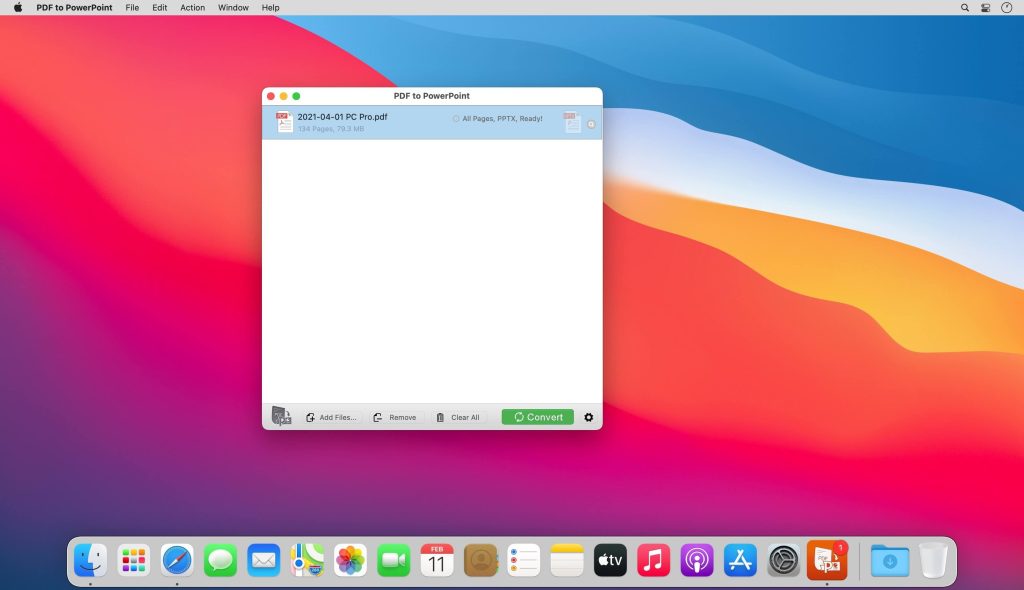
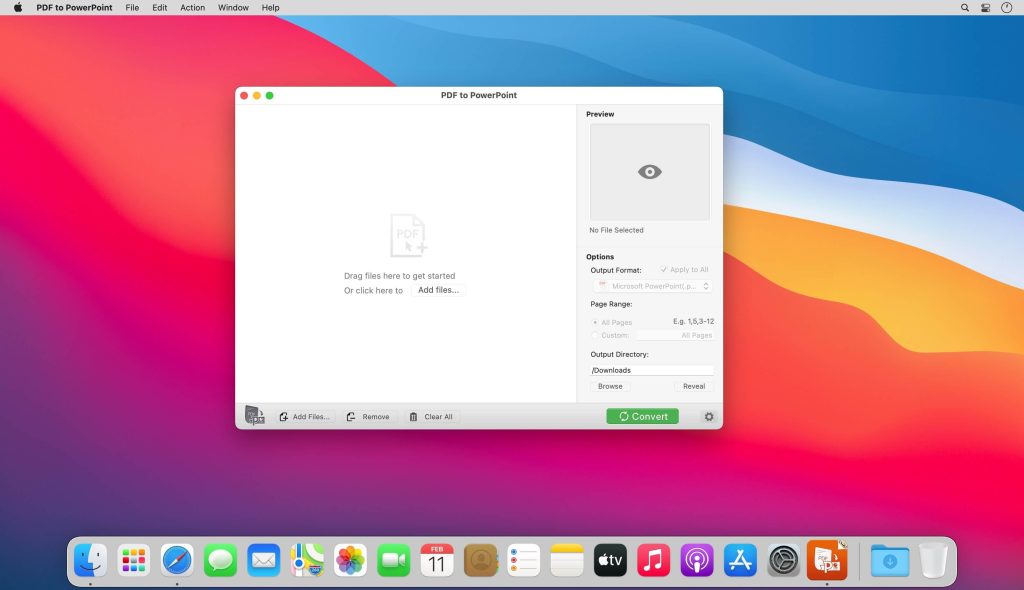
Simple workflow with an extremely neat and clear interface.
- User-friendly & simple interface.
- Conveniently import PDFs with drag & drop operation.
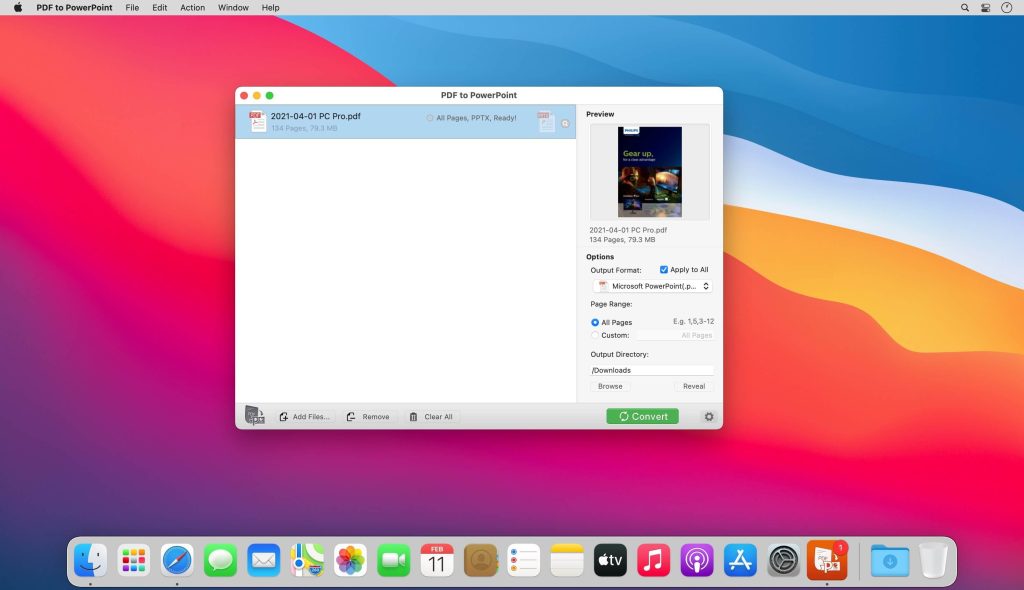
- Preview a batch of PDF files within the app.
- Easily edit or reuse the PDF content.
High Efficiency and Productivity
Import many PDFs as you like for converting any particular pages flexibly.
- Easily manage PDFs by build-in insert, rearrange, delete and open feature.
- Configure any particular pages (e.g. 1, 2-10, 35 or all pages) to meet your needs.
- Process files fast and save the files locally.
Perfect Accuracy and Format Retention
All the elements including text, image, format and more will be well preserved in the PPT files.
- Preserve original texts, images, layouts, hyperlinks, tables, and graphics exactly.
- Preserve stroking or filing vector graphics, including lines, arrows, rectangles, and pen bezier paths.
- Convert encrypted PDFs with copying and printing restrictions.
- Convert Adobe PDF in Multi-languages and Version from 1.0-1.7
- Output PDF files to Office PowerPoint 2003, 2007 and 2019 Version.
Tương thích: macOS 10.13 or later
PDF_to_PowerPoint_by_Flyingbee_5.3.8
www.fshare.vn/file/QLKQSEEI1FP3
PDF_to_PowerPoint_5.4.6